


ASUS Dual Radeon™ RX 9060 XT 16GB GDDR6 Graphics Card (PCIe 5.0, HDMI 2.1b, DisplayPort 2.1a, 2.5-Slot Design, Axial-tech Fan Design, 0dB Technology, and More)
Couldn't load pickup availability
Dual Radeon™ RX 9060 XT
Dual Fans, Perfect Fit
ASUS Dual Radeon™ RX 9060 XT combines powerful thermal performance with broad compatibility. Advanced cooling solutions from flagship graphics cards — including two Axial-tech fans for optimizing airflow to the heatsink. Designed in a compact 2.5-slot form factor, delivering more power in less space. These enhancements make ASUS Dual the perfect choice for gamers who want heavyweight graphics performance in a compact build.
-
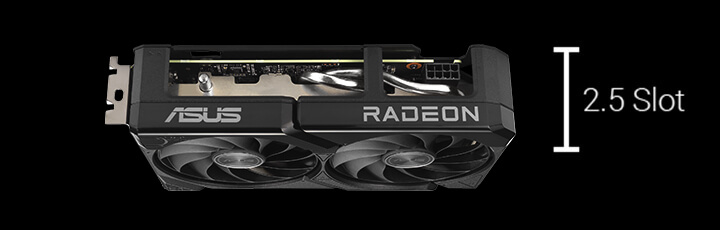
2.5 Slot Design
Compatible with small-form-factor builds
-
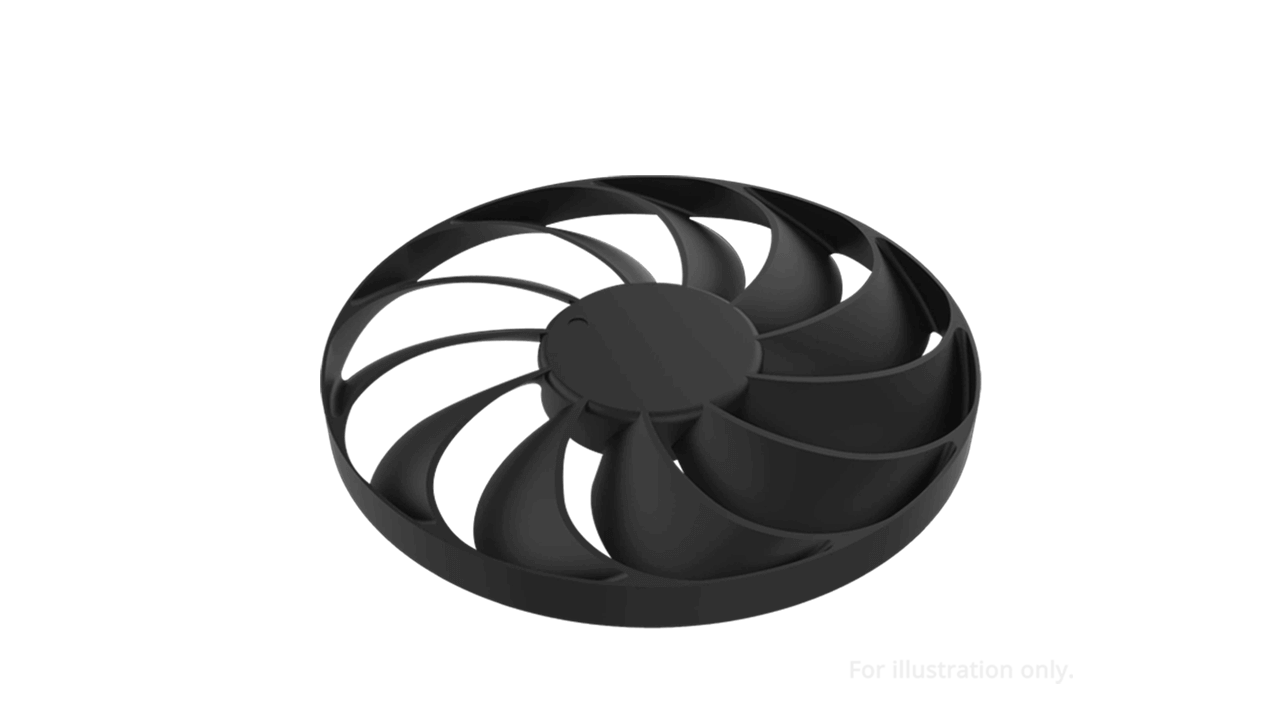
Axial-Tech Fans
Longer blades improve airflow and dispersion

-
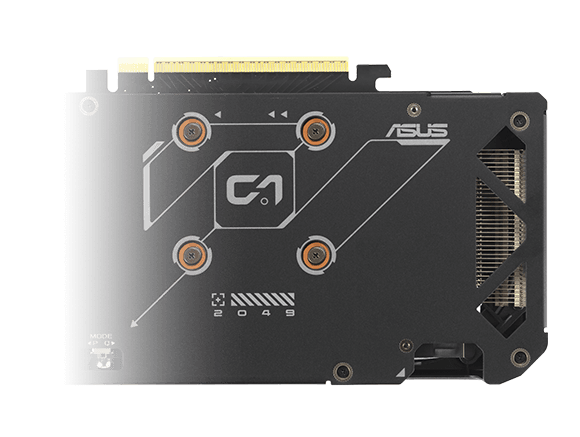
Vented Backplate
Enhanced cooling for optimal performance
-
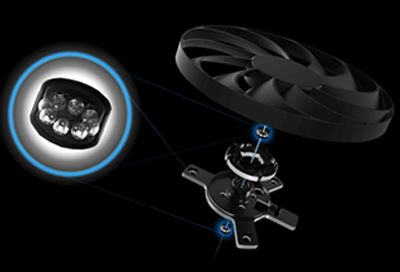
Dual-Ball Fan Bearings
Up to twice the lifespan of sleeve bearings
-
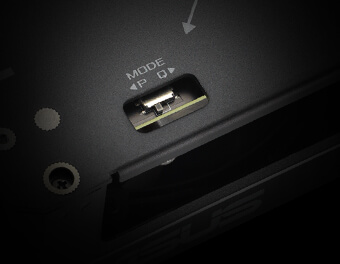
Dual BIOS
Toggle between Performance or Quiet modes
-

GPU Tweak III
Ultimate GPU tuning utility
-

Adobe Creative Cloud
One Month of Free Adobe Creative Cloud
-
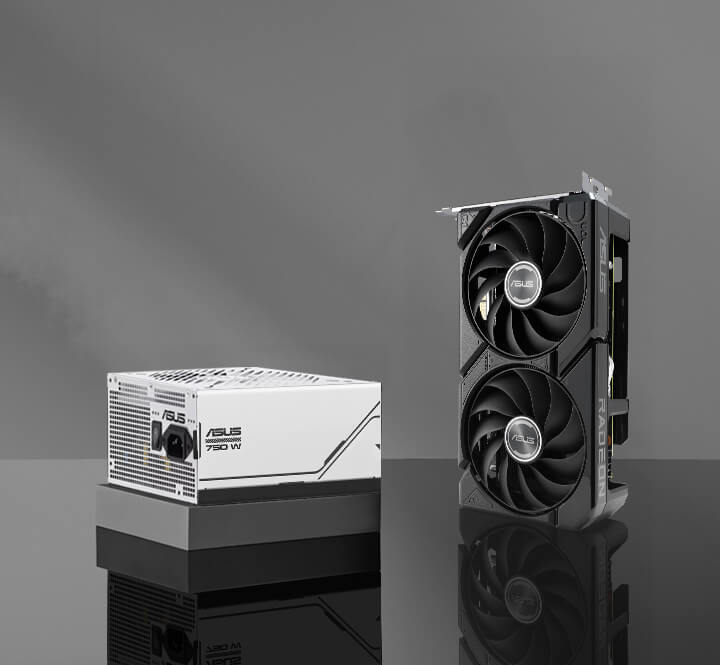
Ideal PSU Companion
ASUS Prime Gold 750W

Cooling
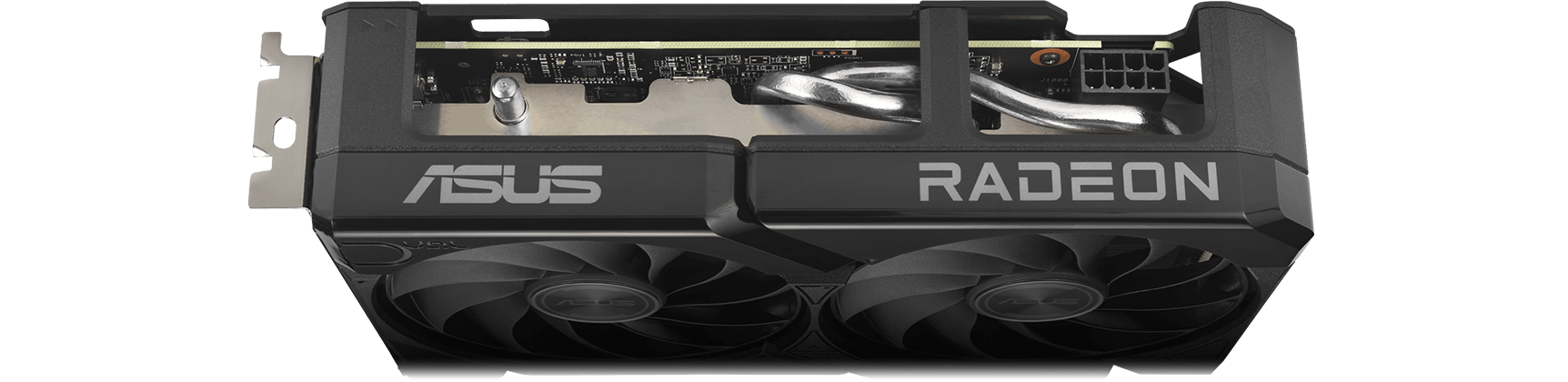
2.5-slot Design
A carefully designed shroud, heatsink, and heatpipe layout enables the two Axial-tech fans to leverage chassis side-panel ventilation, delivering thermal performance that beyond the compact size.
0dB Technology
To eliminate unnecessary noise, the stop mode automatically halts all fans when the GPU temperature drops below 55°C and power consumption is low.
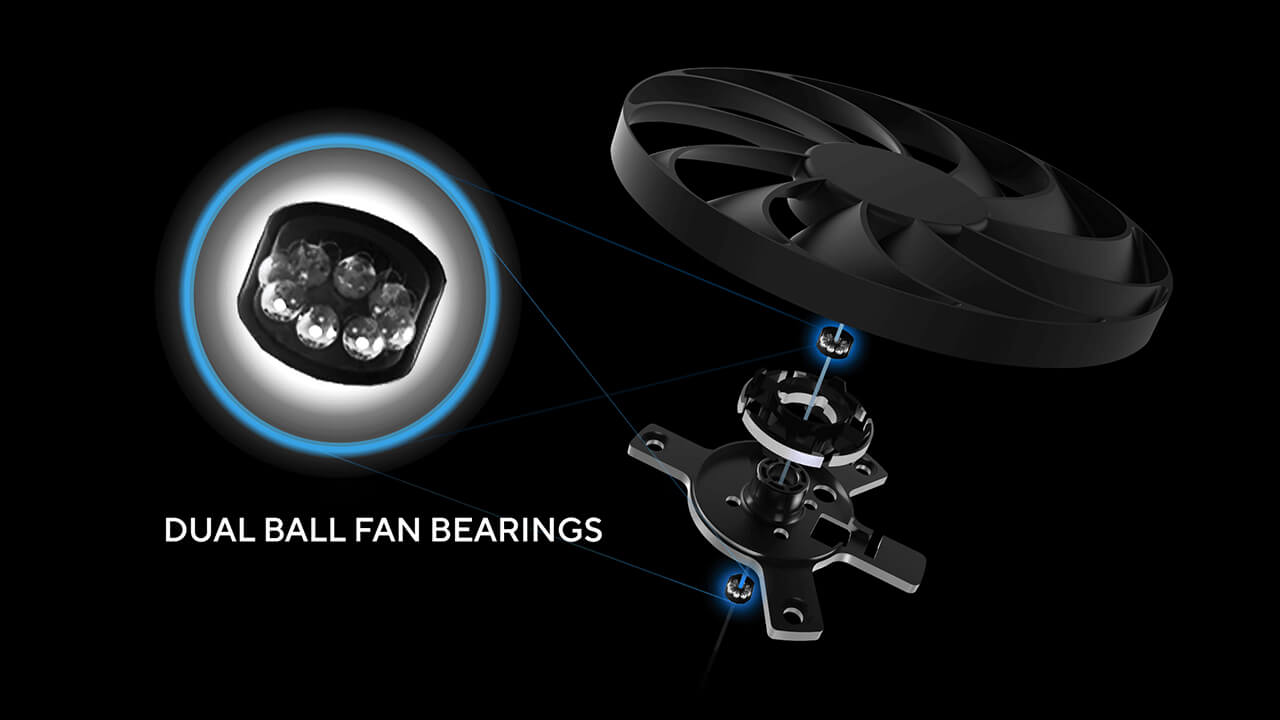
Dual Ball Fan Bearings
Fan bearings come in different types, each with its own advantages. Dual ball bearings provide superior durability and can last up to twice as long as sleeve-bearing designs.
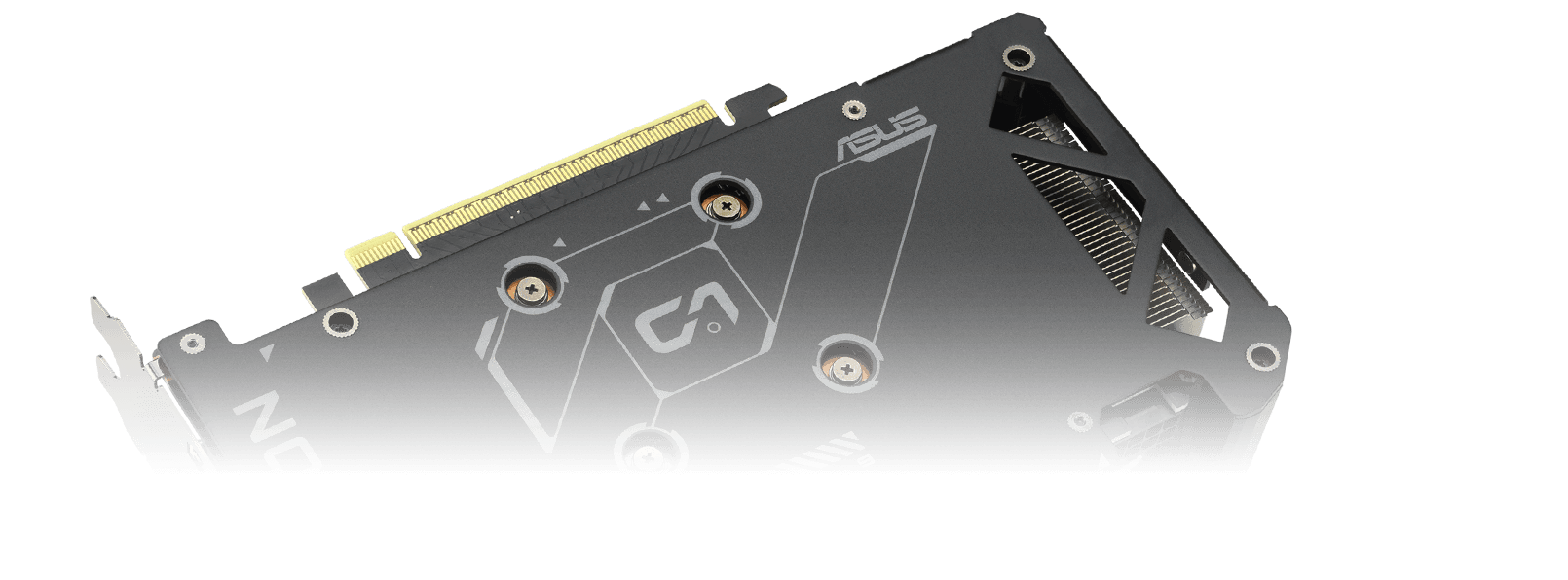
Vented Backplate
A vented backplate significantly enhances heat dissipation, helping to keep the GPU cooler during intense tasks. This additional airflow helps ensure optimal temperatures, boosting performance, longevity and stability by defending against overheating and thermal throttling.
Unmatched Reliability
Protective Backplate
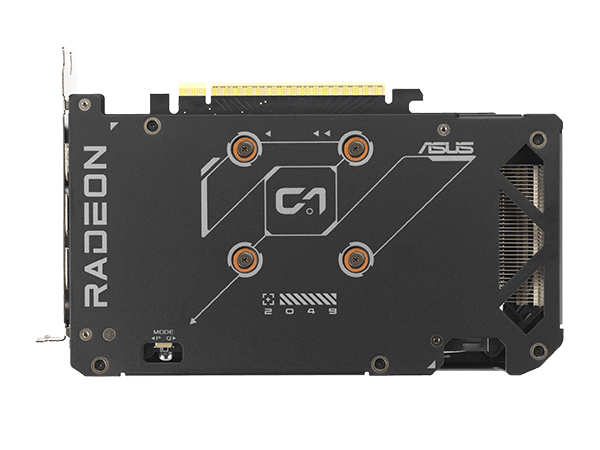
The PCB is reinforced by a backplate that adds structural rigidity, helping to prevent flex and to protect components and trace pathways from damage.
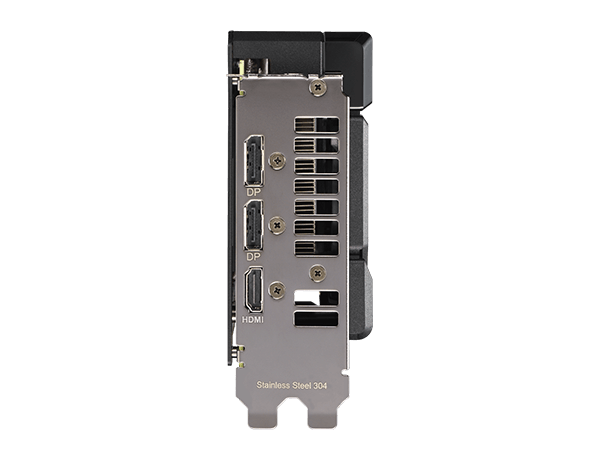
Stainless Steel Bracket
The mounting bracket of the Dual has been beefed up with 304 Stainless Steel that’s harder and more resistant to corrosion.
Engineering
-
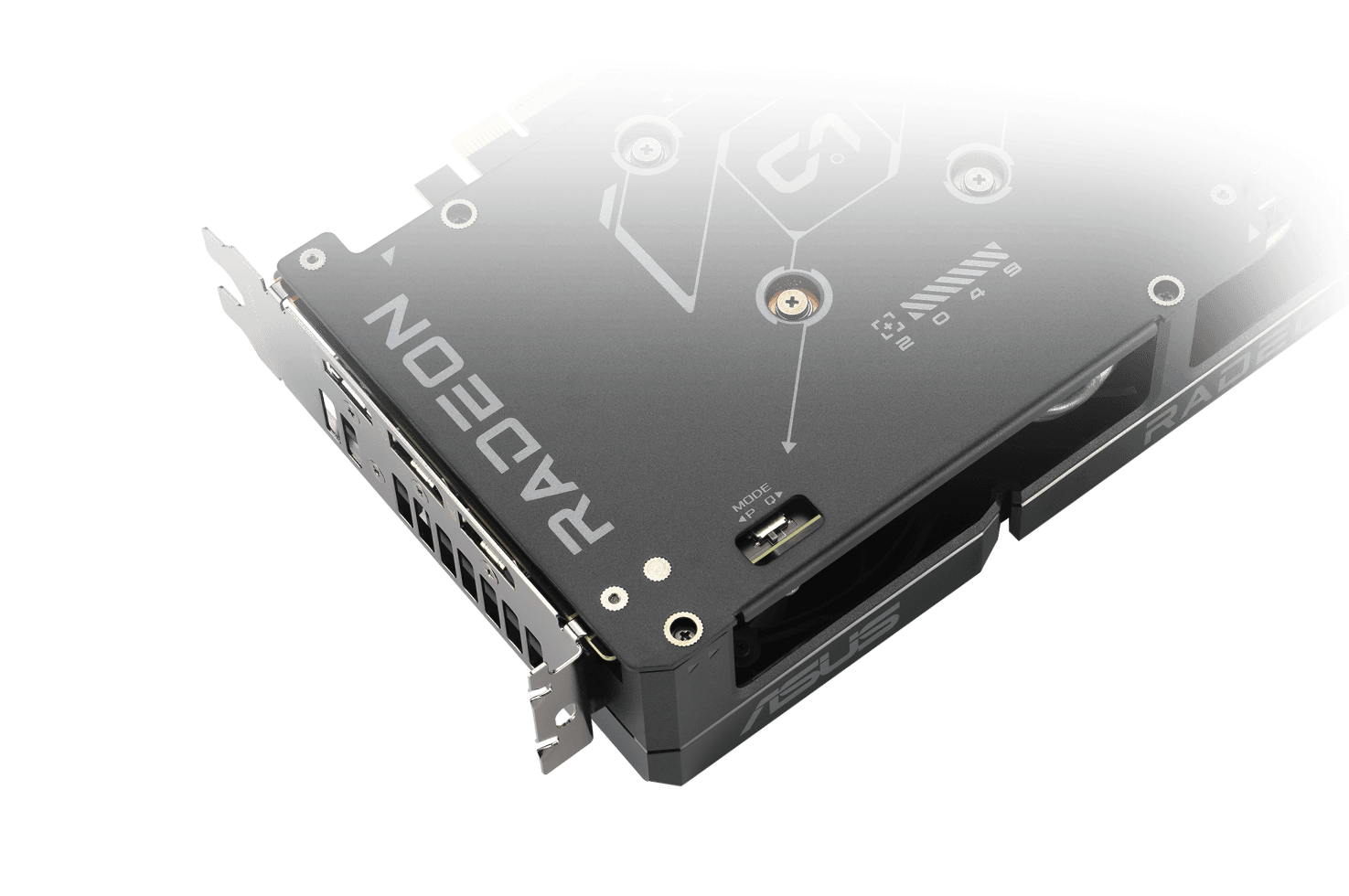
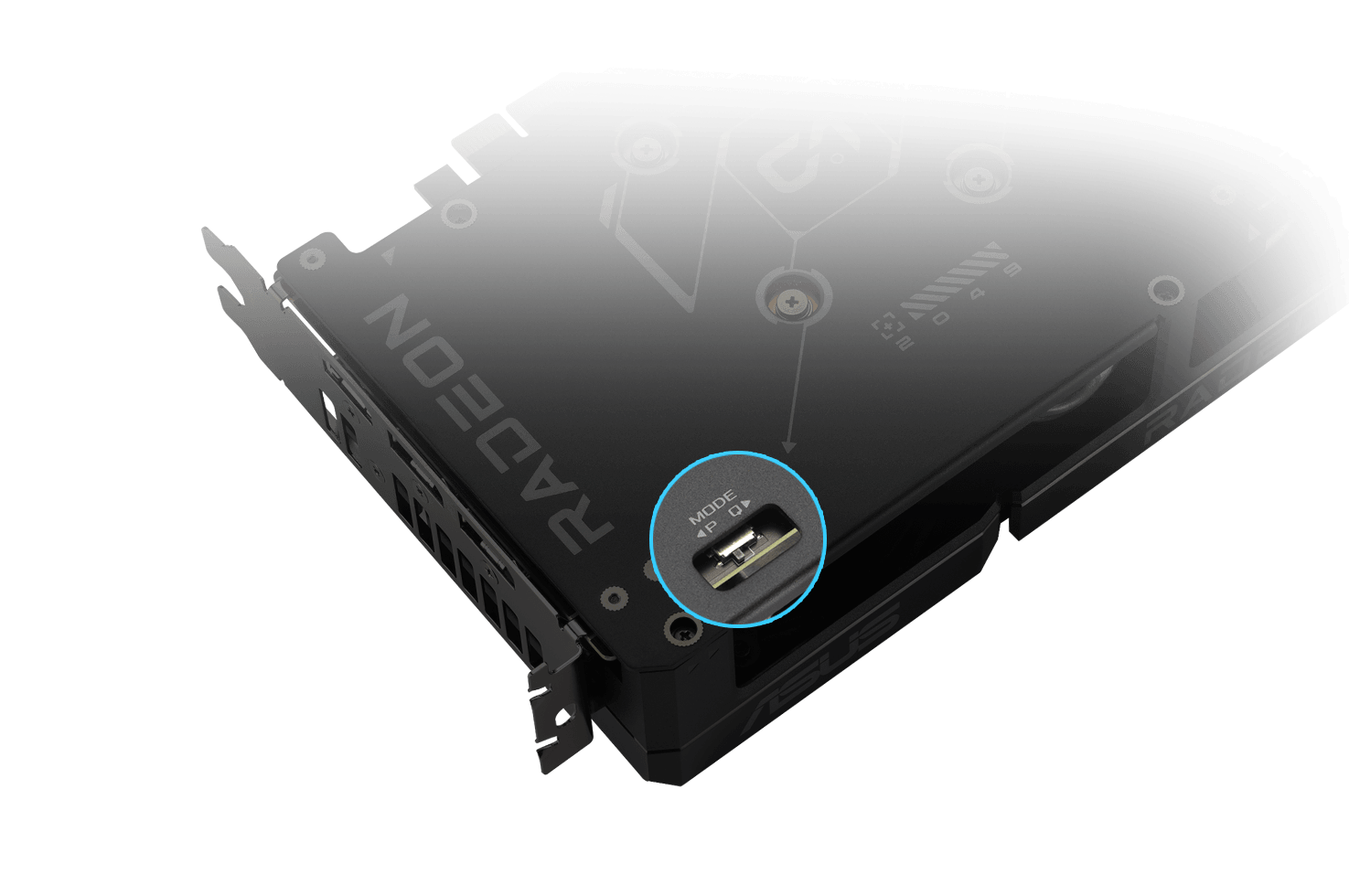
Dual BIOS
Do you prioritize lower core temperatures or quieter operation? Performance mode increases fan speed to keep the card running cool all the time. Quiet mode maintains the same power target and performance settings, but applies a less aggressive fan curve for quieter operation at medium temperatures. Want more control? Customize your experience with GPU Tweak III software for fine-tuned fan profiles and performance adjustments.
-
Video explaining ASUS Auto-Extreme technology.
Auto−Extreme Technology
Auto-Extreme Technology is an automated manufacturing process that sets new standards in the industry by allowing completing all soldering to be completed in a single pass. This reduces thermal strain on components and avoids the use of harsh cleaning chemicals, resulting and minimizes in less environmental impact. The result is lower power consumption during manufacturing and a more reliable, high-quality product.lower manufacturing power consumption, and a more reliable product overall.
BEST PSU FOR RADEON™ RX 9000 SERIES
Use the wattage calculator to estimate how much power you’ll need to fuel your rig, and then pick a compatible ROG, TUF Gaming or Prime power supply for ultimate performance.

Software
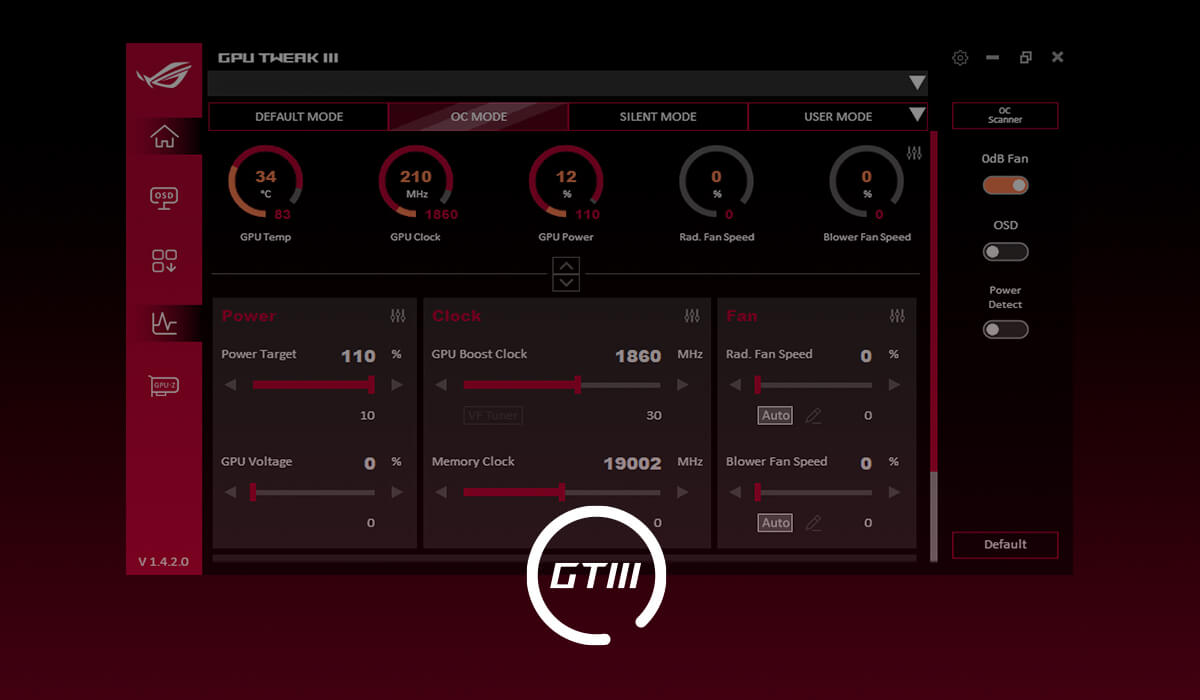
GPU Tweak III
The ASUS GPU Tweak III utility takes graphics card tuning to the next level. It lets you tweak critical parameters including GPU core clocks, memory frequency and voltage settings, with the option to monitor everything in real-time through a customizable on-screen display. Advanced fan control is also included along with many more features to help you get the most out of your graphics card.